
Client Card
What Does the Client Card Contain?
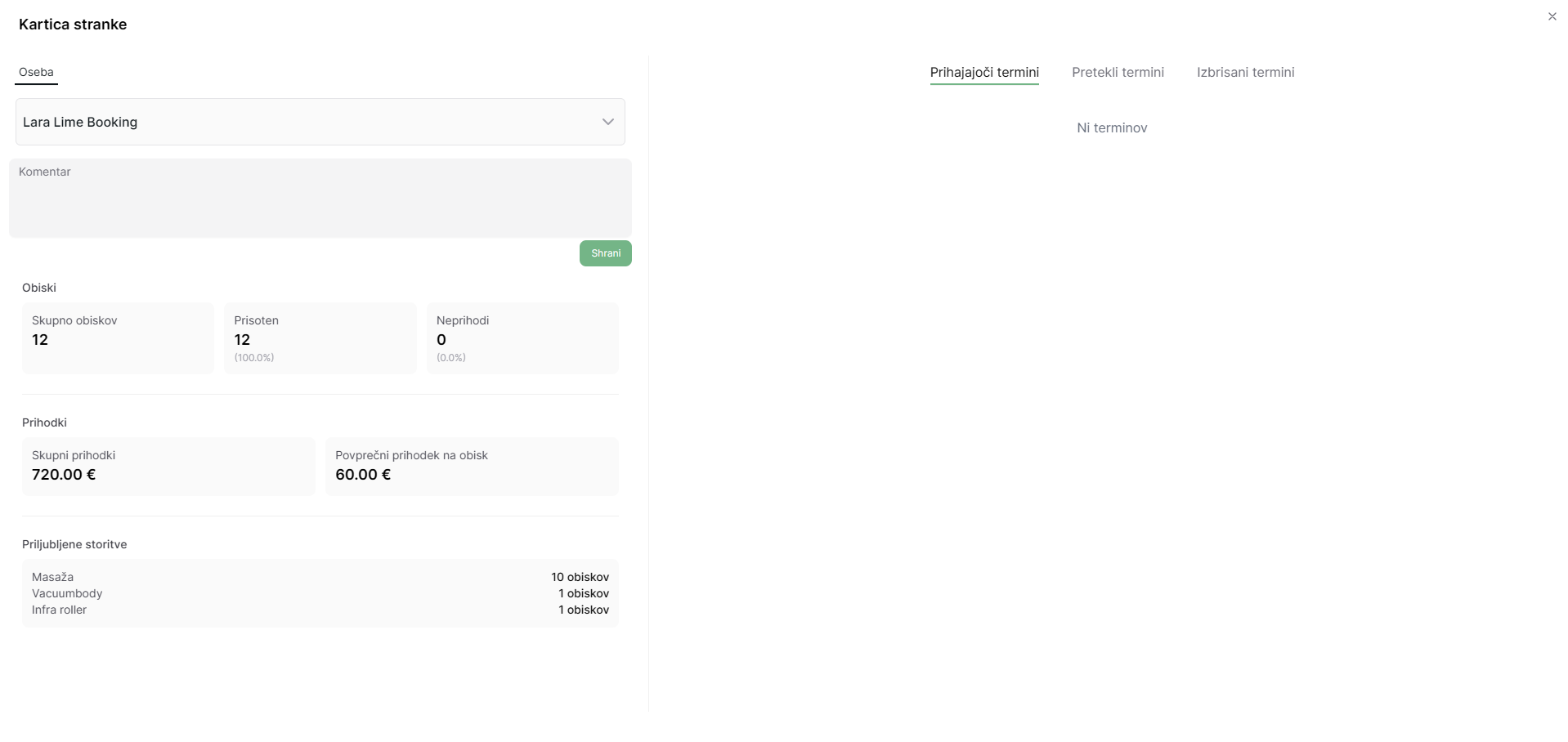
1. Basic Client Information
- First and last name
- Contact information (phone number and/or email address)
- Link to the personal page for quick scheduling of new appointments
- 2. Client Comment
A space for recording important notes and information about the client that will:
- Be displayed with each appointment when you select this client - Allow the addition of clickable links for additional information
3. Appointment Overview
- Upcoming Appointments: A list of booked appointments that the client has not yet attended
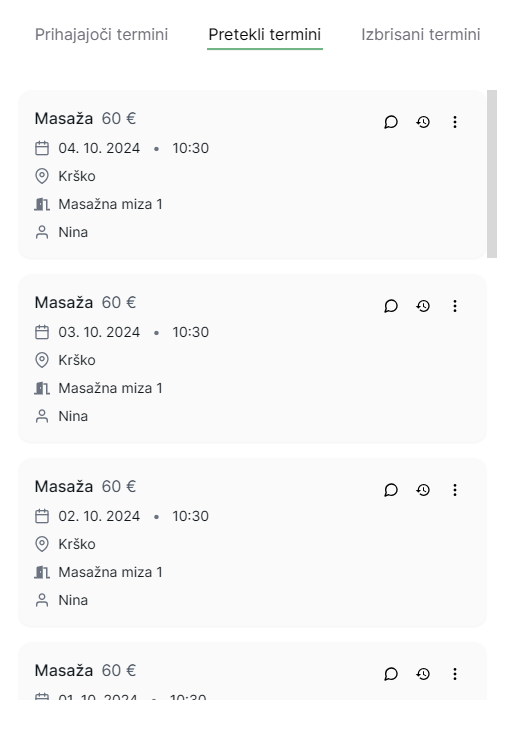
- Past Appointments: History of completed appointments
- Canceled Appointments: Information on any canceled appointments
4. Client Analytics
- Appointment participation (presence/absence)
- Total revenue generated by the client
- Percentage of visits for individual services
Editing Options in the Client Card
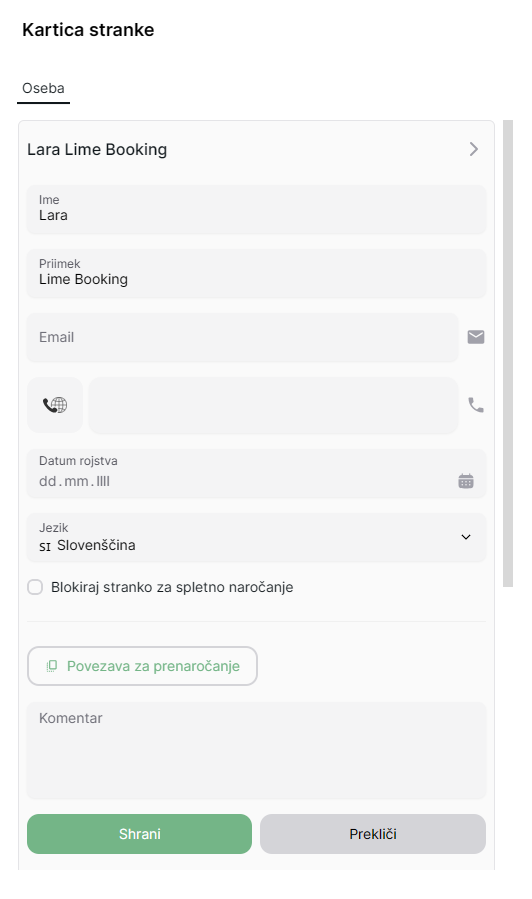
1. Editing Personal Information
Update the first name, last name, phone number, or email address to ensure the data is always accurate.
2. Disabling Online Booking
If you have had issues with a specific client, you can block their phone number from making online bookings.
3. Editing Comments
Add new comments, edit existing ones, or delete outdated or irrelevant information.
4. Appointment History
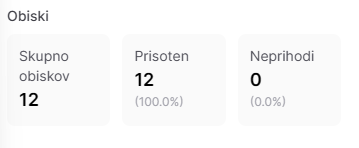
In this section, you can see the total number of visits, how many times the client was present, and how many times they missed scheduled appointments.
5. Revenue
In the revenue overview, you can see the total revenue generated by the client and the average revenue per visit.

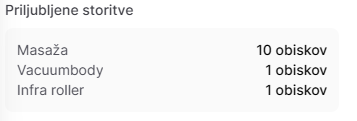
6. Favorite Services
In the favorite services section, you can see which services the client uses most frequently.
7. Editing Appointments
In the upcoming or past appointments section, you can:
- Mark whether the client attended or not
- Add or edit comments for a specific appointment
- Delete an appointment if needed
- View all changes made to a specific appointment
8. Deleting a Client
You can completely remove a client from the database by clicking on "Delete Client".